Runtime Features
This notebook demonstrates how to change themes dynamically, integrate theme selection menus, and use the dock interface to create and export new themes at runtime.
Change theme in runtime
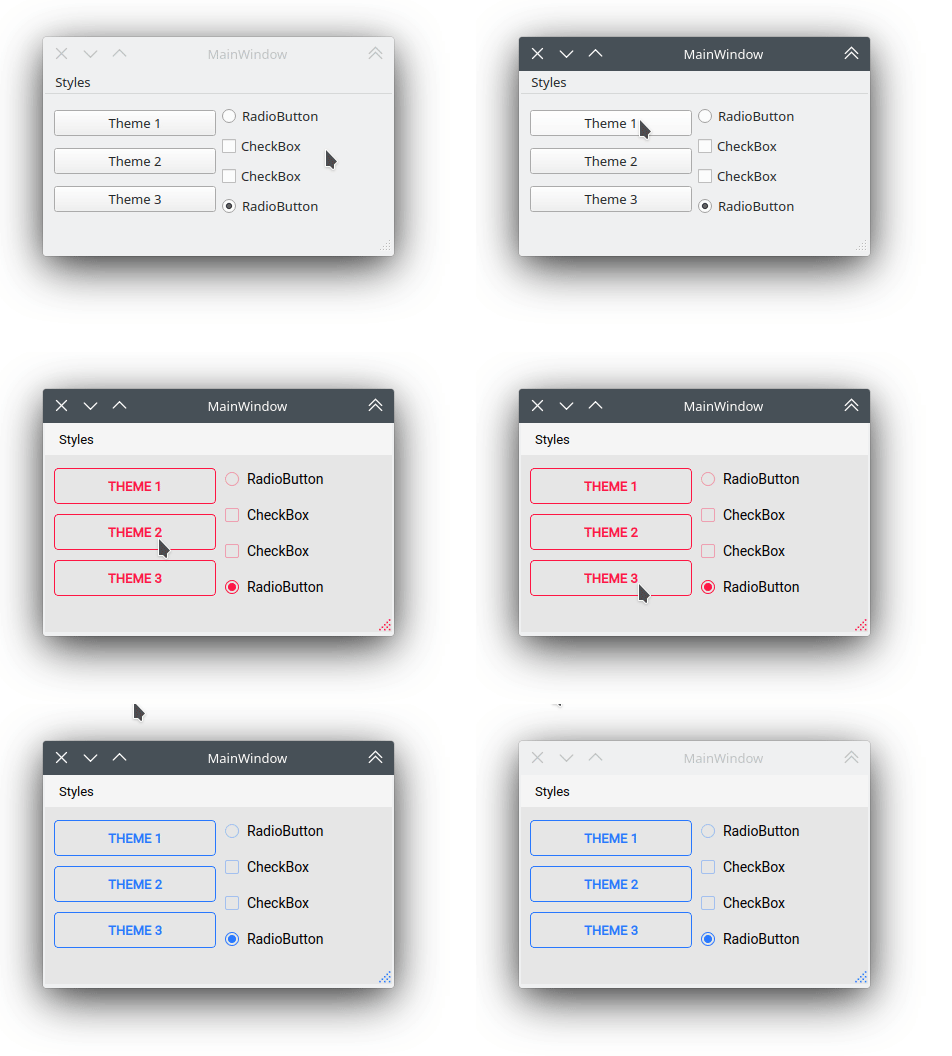
To enable dynamic theme switching at runtime, inherit from the QtStyleTools class alongside your main window. This gives access to the apply_stylesheet() method, which can be used to update the UI on the fly.
[ ]:
from qt_material import QtStyleTools, apply_stylesheet
from PySide6.QtWidgets import QMainWindow
from PySide6.QtUiTools import QUiLoader

class RuntimeStylesheets(QMainWindow, QtStyleTools):
    def __init__(self):
        super().__init__()
        self.main = QUiLoader().load('main_window.ui', self)

        # Apply a theme at startup
        self.apply_stylesheet(self.main, 'dark_teal.xml')

        # Other theme options
        # self.apply_stylesheet(self.main, 'light_red.xml')
        # self.apply_stylesheet(self.main, 'light_blue.xml')
This approach allows your application to switch themes without restarting the interface.
Integrate stylesheets in a menu
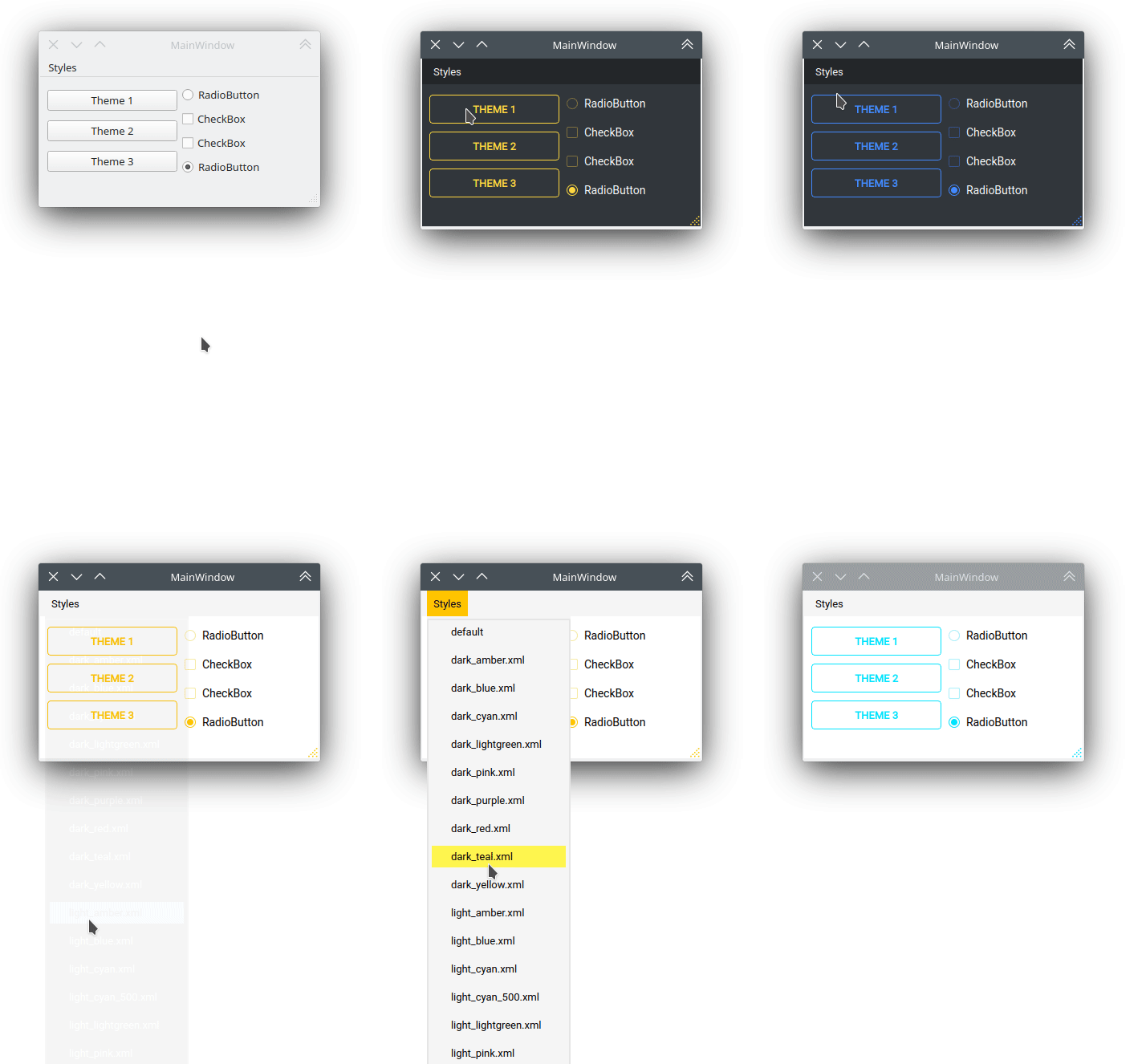
You can add a built-in menu to your application that lists and applies all available themes dynamically.
To do this, use the add_menu_theme() method provided by QtStyleTools. This method attaches theme options to an existing QMenu object in your UI.
[ ]:
from qt_material import QtStyleTools
from PySide6.QtWidgets import QMainWindow
from PySide6.QtUiTools import QUiLoader

class RuntimeStylesheets(QMainWindow, QtStyleTools):
    def __init__(self):
        super().__init__()
        self.main = QUiLoader().load('main_window.ui', self)

        # Connect the menuStyles QMenu to the dynamic theme switcher
        self.add_menu_theme(self.main, self.main.menuStyles)
This will populate menuStyles with all available .xml themes, and automatically apply the selected theme when clicked.
Create new themes
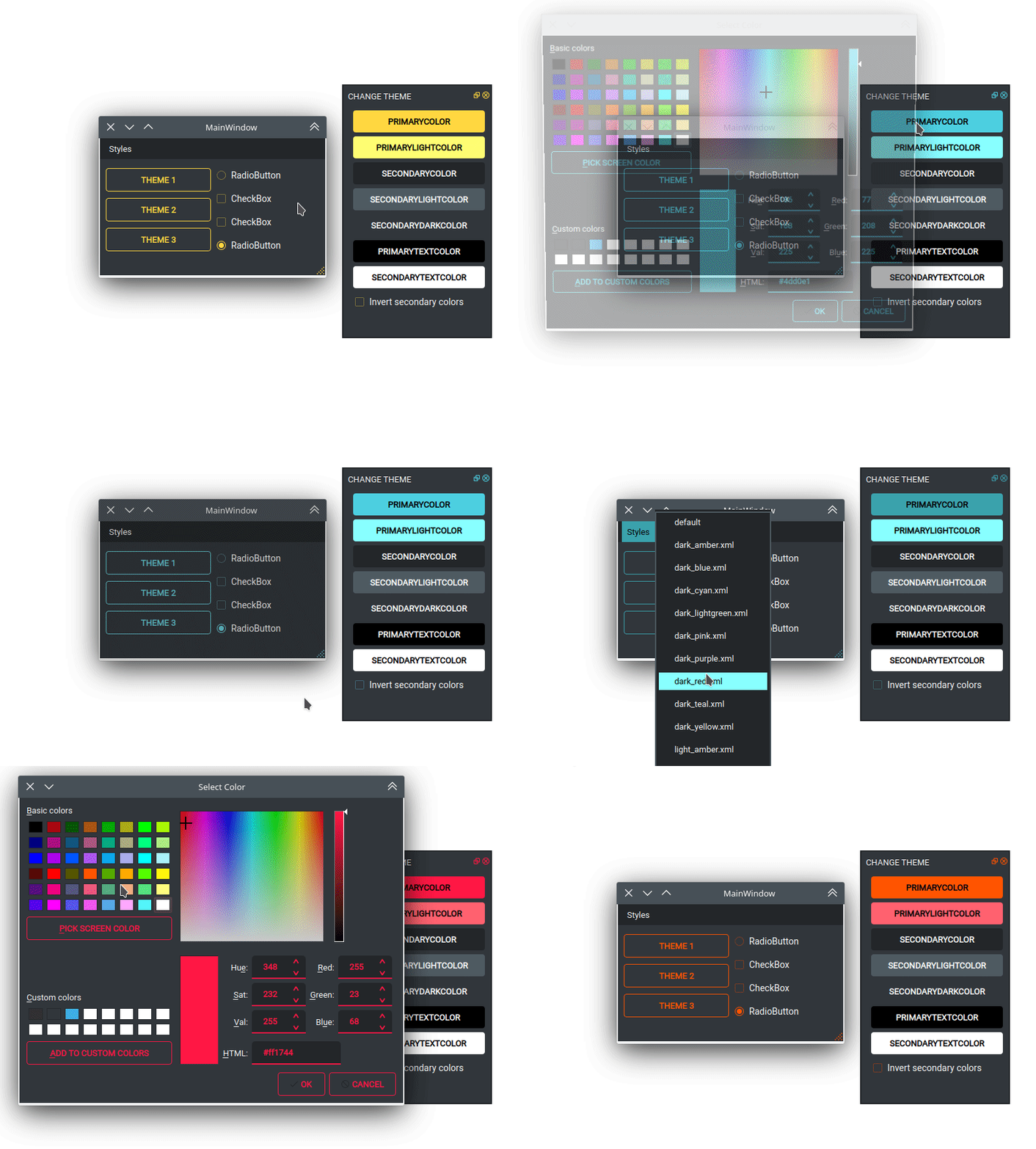
A built-in dock interface is available for customizing the current theme at runtime. This tool allows you to adjust colors, density, and other visual parameters interactively.
When you use this interface, a new theme file is generated and saved as my_theme.xml in the current working directory.
To enable it, call show_dock_theme():
[ ]:
from qt_material import QtStyleTools
from PySide6.QtWidgets import QMainWindow
from PySide6.QtUiTools import QUiLoader

class RuntimeStylesheets(QMainWindow, QtStyleTools):
    def __init__(self):
        super().__init__()
        self.main = QUiLoader().load('main_window.ui', self)

        # Show the dock to create and export themes interactively
        self.show_dock_theme(self.main)
This feature is ideal for visually designing themes and exporting them without manually editing XML files.